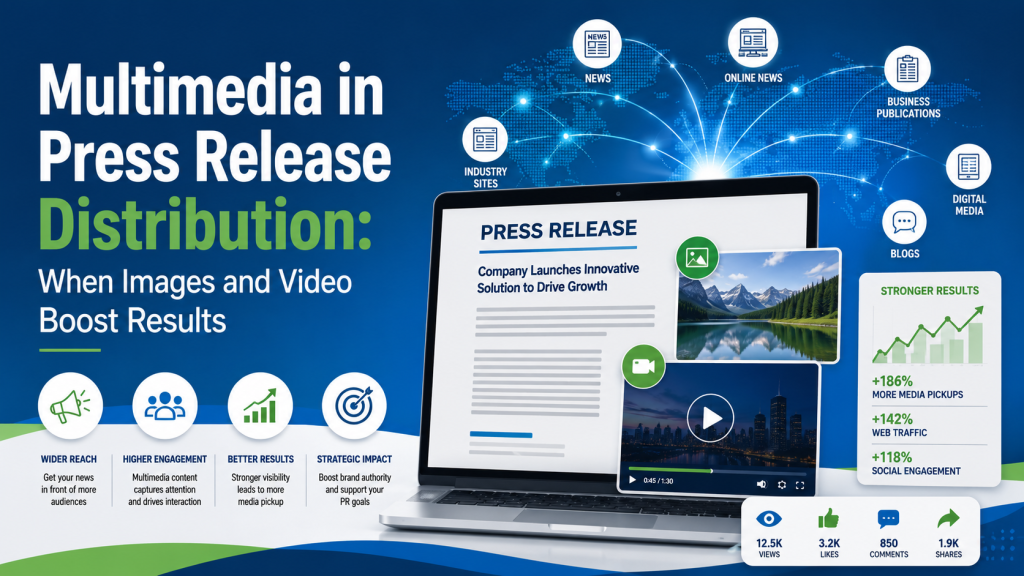
 A press release still needs a strong story. Multimedia will not fix weak news. But when the story is real, the right image or video can make it easier for journalists, editors, and readers to understand why it matters.
That is the job of multimedia. It should make the news clearer, faster, and more useful.
A release announces the news. A good image helps people see it. A short video helps them understand it.
When images help most
Images work best when the news has a visual angle.
A new product? Show it in use, not floating on a white background. A new restaurant location? Include a clean exterior shot or founder photo. A nonprofit campaign? Use an image that shows the work, not just a logo.
Journalists are busy. If your image helps them understand the story in five seconds, you have made their job easier.
The best press release images are simple:
- A product being used by a real person
- A founder or executive in a relevant setting
- An event, storefront, facility, or team photo
- A chart that explains useful data
Avoid generic stock photos. They look like marketing filler because they usually are. A reporter wants something tied to the actual news.
When video helps most
Video helps when motion, explanation, or emotion matters.
If you are launching a physical product, a 30-second demo can do more than three paragraphs of description. If you are announcing a cause, a short founder message or field video can add human context. If you are sharing research, a brief expert explanation can make the findings easier to grasp.
Keep it short. A press release is not the place to ask someone to watch a five-minute sales pitch.
Good release videos usually do one of three things:
- Show how something works
- Explain why the news matters
- Put a credible person behind the announcement
PR Newswire also notes that multimedia distribution options can include photos, videos, logos, infographics, and other visual assets that travel with the release.
The key word is credible. A polished but hollow video will not help much. A clear, useful, honest video often will.
What multimedia will not do
Multimedia will not turn a non-story into news.
If your announcement is vague, self-congratulatory, or written like an ad, adding a photo will not change that. A release still needs a timely hook, a clear audience, and a reason for someone outside your company to care.
Many companies get it backward. They create the asset before they sharpen the story.
Start with the question: “What would a journalist use this for?” If the answer is not clear, the multimedia probably needs work.
Practical tips before distribution
Before sending your release, make sure your multimedia is easy to use.
Use high-resolution images, but keep file sizes reasonable. Add captions that identify people, places, and context. Name files clearly. Provide links to downloadable assets if you have several images or videos.
Do not overload the release. One strong image beats six weak ones. One useful video beats a folder full of brand clips.
When you are ready to send the release, use a press release distribution service that can get the story in front of the right media outlets, not just post it online.
The real goal
The goal is not decoration. The goal is clarity.
A small business does not need a huge production budget to benefit from multimedia. You need assets that help tell the truth quickly.
For example, a local manufacturer announces a hiring initiative. A team photo is fine. But a photo of workers on the production floor gives the story texture.
That is what multimedia can do. It gives your news a face, a setting, and sometimes a little proof.
Use it when it helps the story travel farther. Leave it out when it only adds noise.

Mickie Kennedy founded eReleases.com in 1998 after watching PR firms charge small businesses a $20,000 minimum for a single press release. For 27 years, he’s been closing that gap — distributing 150,000+ releases via Cision PR Newswire, serving 30,000+ clients including Manscaped, Squatty Potty, and 40+ Shark Tank brands, and generating $132M+ in earned media. A sought-after podcast guest and two-time Amazon bestselling author of Beginner’s Guide to Writing Powerful Press Releases and The PR Strategy Manifesto. Mickie holds an MFA in Creative Writing from George Mason University. Based in Baltimore, MD. LinkedIn